Skip to content
MHS Staff Online Help Hub
  • Topics
    • Assay
    • Browser Tips
    • EPIC
    • Flipped Learning
    • Forms
    • Google
    • KAMAR
    • MS Office
    • MS Teams
    • OneDrive
    • Tools
  • All Hacks
  • Resources
  • Support
    • Request a Hack
  • Toggle website search
Menu Close
  • Topics
    • Assay
    • Browser Tips
    • EPIC
    • Flipped Learning
    • Forms
    • Google
    • KAMAR
    • MS Office
    • MS Teams
    • OneDrive
    • Tools
  • All Hacks
  • Resources
  • Support
    • Request a Hack
  • Toggle website search

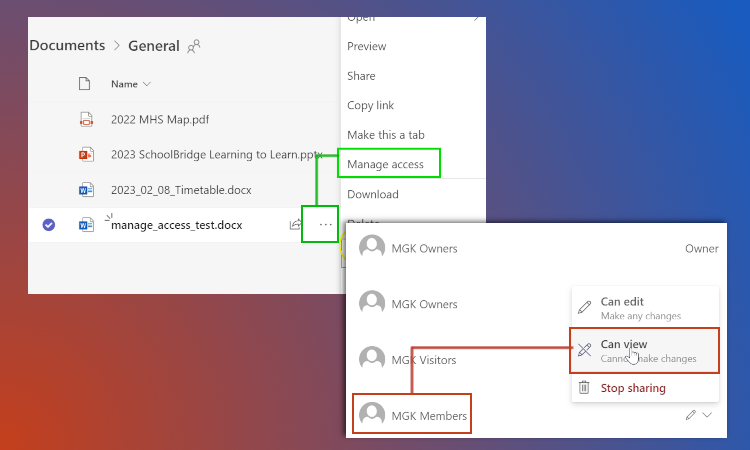
Teams – View Only Access for Students

Learn how add files to the ‘files’ area so that members of your team can view them (and save a copy) but can’t edit your original.
You Might Also Like

Read more about the article All Staff Communication in Teams

All Staff Communication in Teams

February 9, 2023
Read more about the article Sharing Files in Teams

Sharing Files in Teams

May 26, 2022
Read more about the article BYOD Shortcuts (and more)

BYOD Shortcuts (and more)

October 19, 2020

Recent Posts

  • MHS Printers
  • Turn It In – Basics
  • Chrome Profile
  • OneNote – Tips & Tricks
  • External Moderation History

Popular Posts